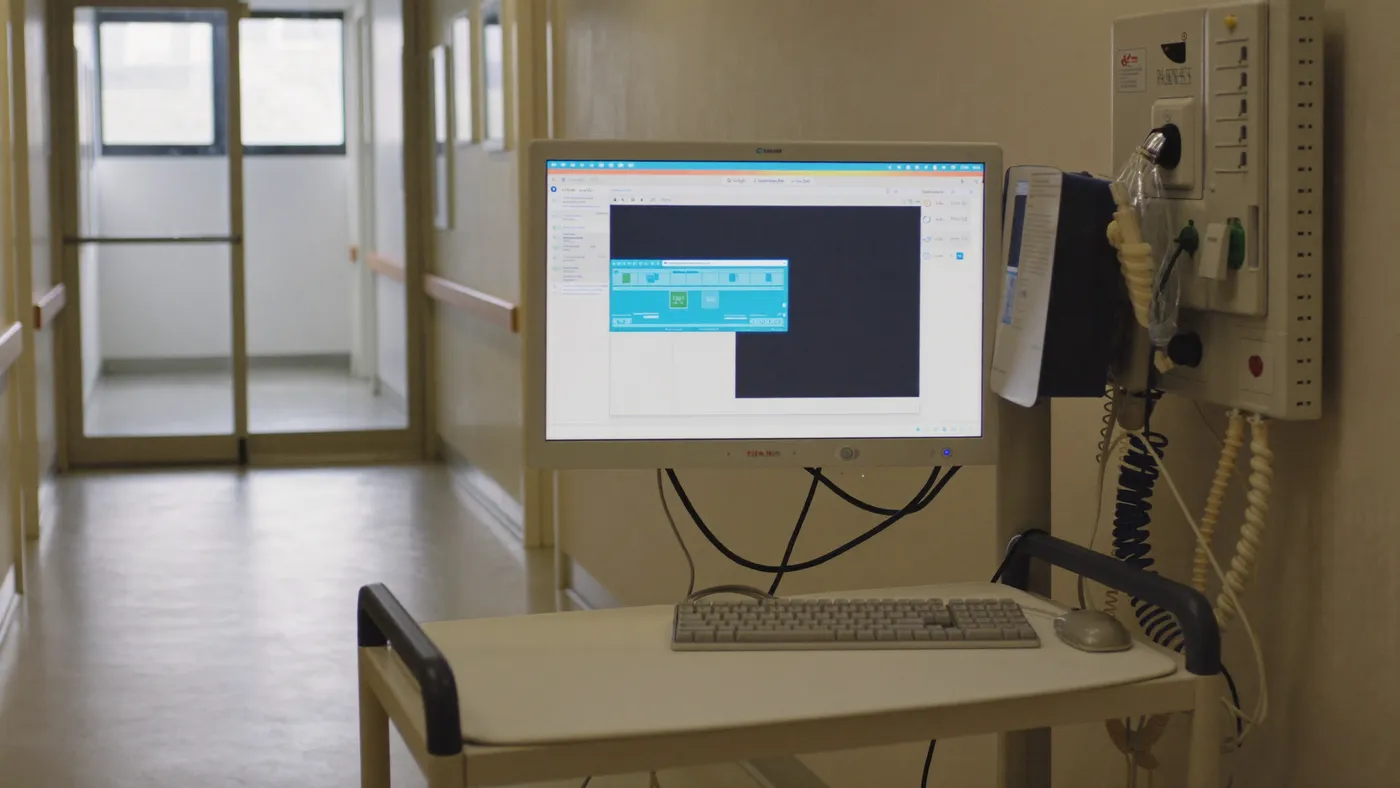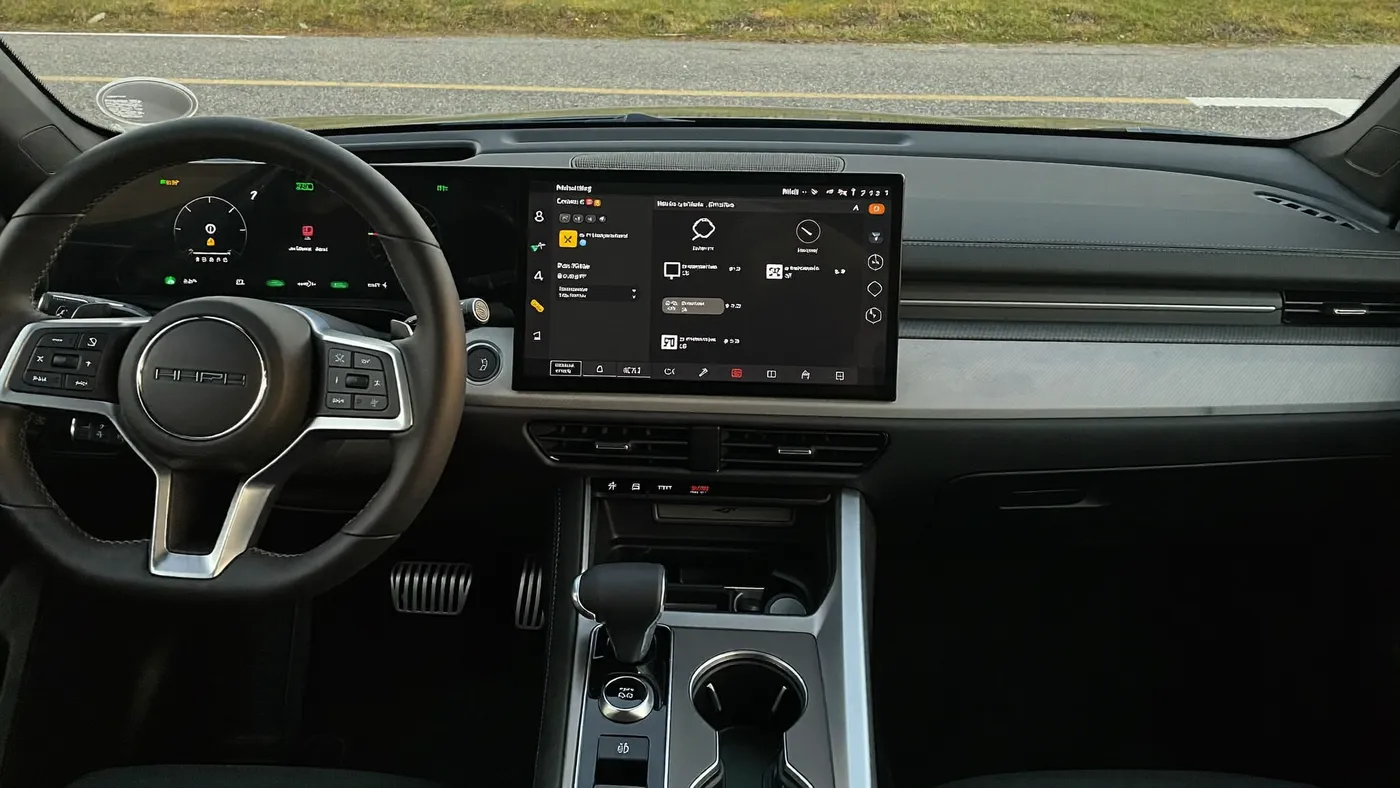
Automotive infotainment interface in a vehicle cockpit

    Tier 1 automotive supplier

    4,000 tests every night.

    A Tier 1 supplier runs infotainment and audio regression every night.

    The story

    The story.
    In three lines.

    Automotive · Validate

    The challenge
    Every new vehicle configuration meant adapting scripts by hand, and every broken script sent testing back to the bench. The release cycle waited on both.
    What they did
    The supplier runs its infotainment and audio regression with AskUI every night in CI/CD, and the tests drive the bench too: a CAN tool sends a brake signal, and the agent checks on the head unit that the car model's brake lights are lit.
    The result
    Integrated in CI/CD with daily reports. Infotainment and audio tests covered.
    Want every detail?

    The report

    Read the full report

    About the customer

    This customer is a Tier 1 supplier of connected car systems, including infotainment and audio, to automakers worldwide. The name is withheld under the programme's confidentiality terms.

    Each programme ships across many vehicle configurations and models, and every one of them has to be validated on real hardware.

    The challenge

    Every infotainment programme ships across many vehicle configurations and models. For the supplier's test teams that meant:

    • Slow adaptation. Adapting test scripts to new configurations and models took long.
    • Manual fallback. Scripts broke often, so a lot of the testing went back to people on the bench.
    • Unstable tests. Frequent hardware and state changes, and the bugs that come with them, made results hard to trust.
    • Long release cycles. Testing set the pace of every release.

    What the team does now

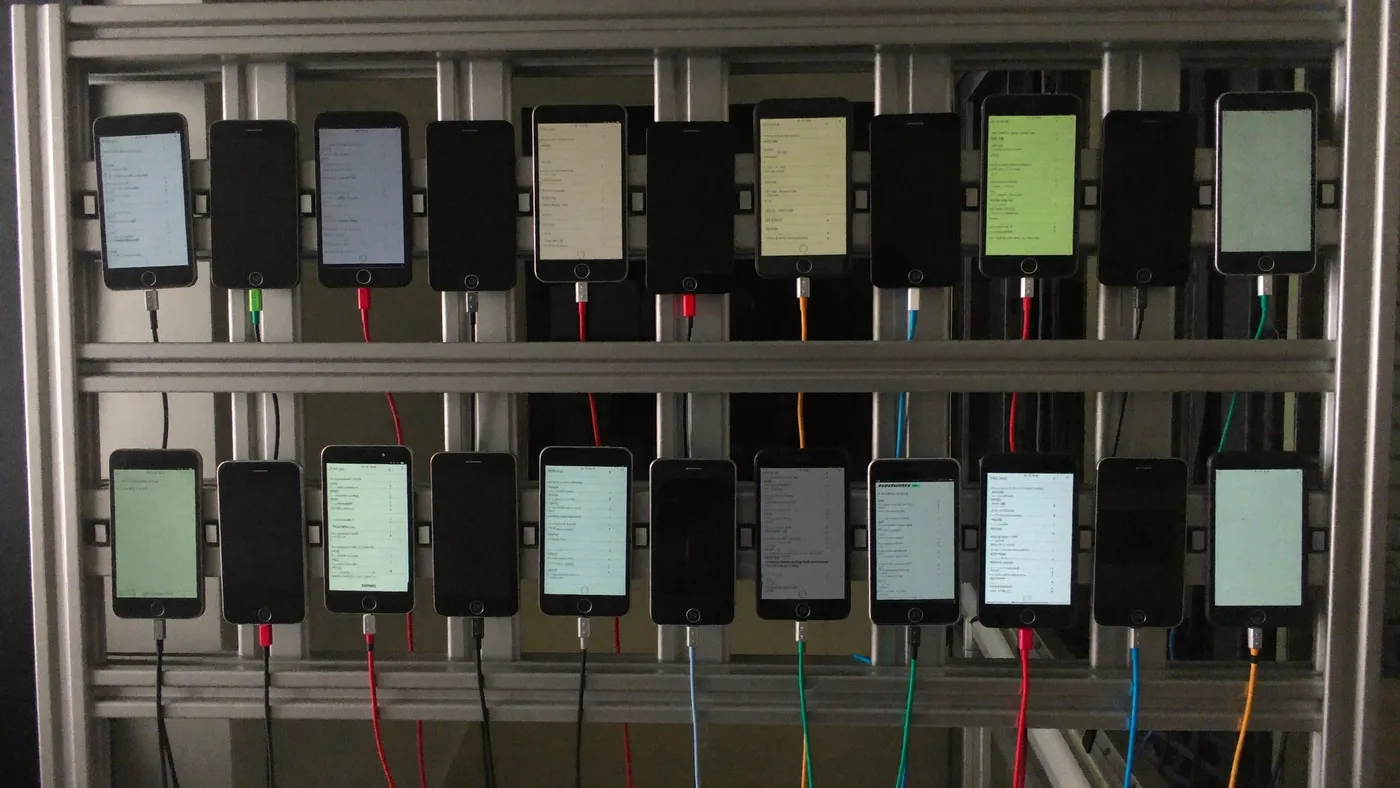
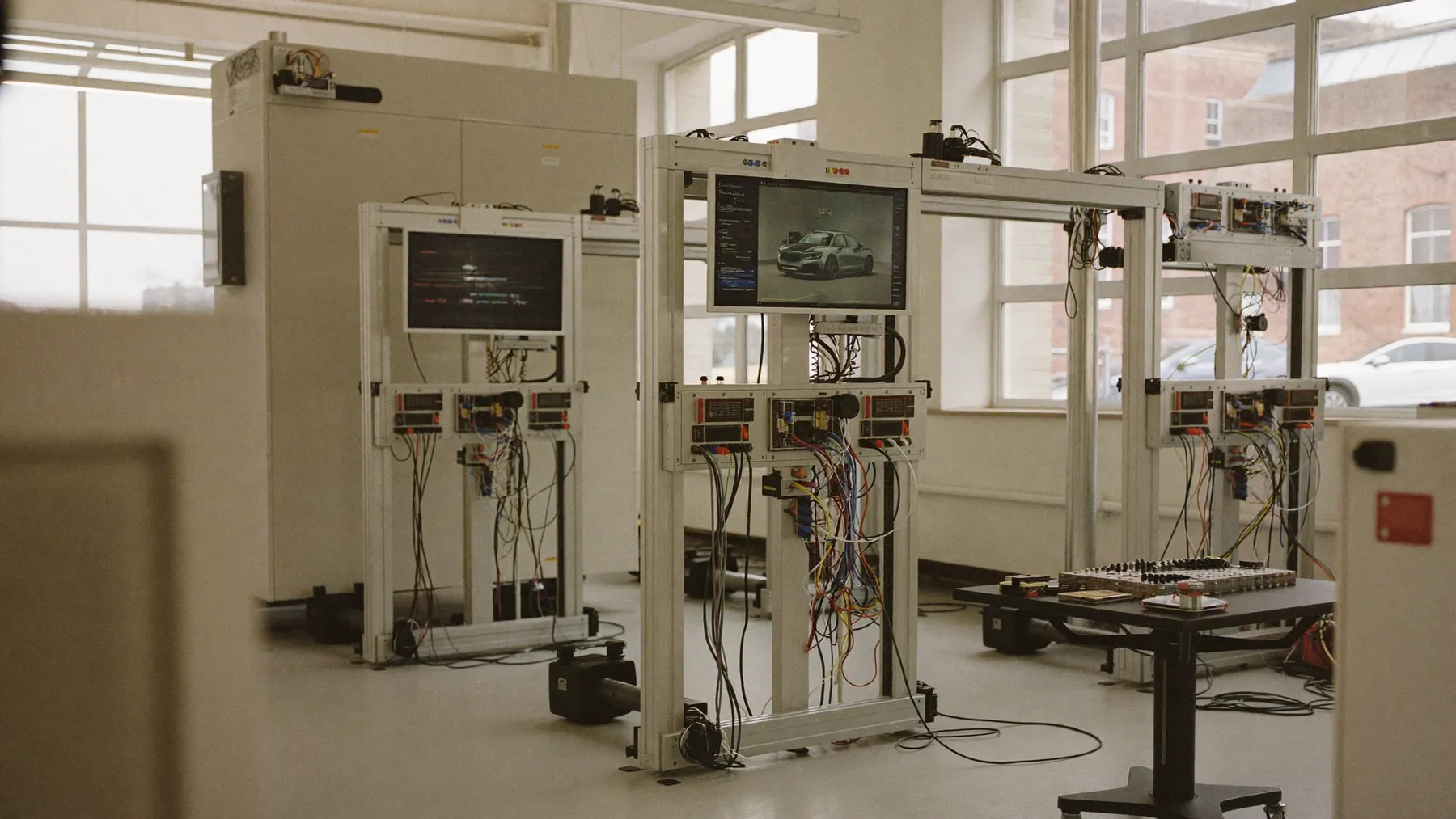
    • 4,000 tests every night. The regression runs unattended overnight on the benches.
    • In the CI/CD pipeline. Runs are triggered from the pipeline, and the team gets a report every day.
    • Infotainment and audio. Both are covered by the same suite.
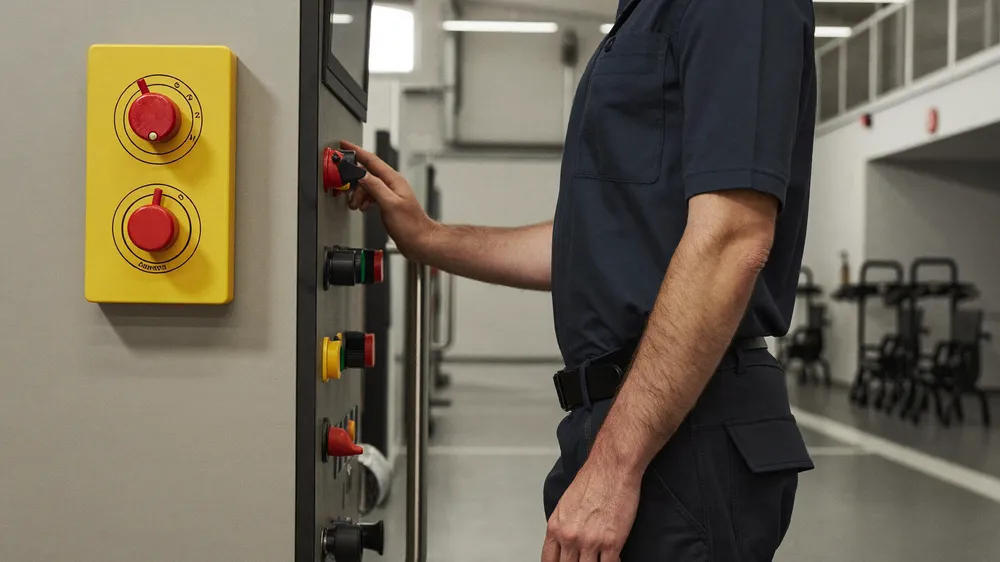
    • The bench is part of the test. A step sends a brake signal through a CAN tool; the next step checks on the infotainment screen that the brake lights of the car model are lit.

    How a CAN check reads

    A test step can call a bench tool as easily as it taps the screen:

    1. Send the brake signal with the CAN tool.
    2. Open the vehicle view on the head unit.
    3. Verify that the brake lights of the car model are lit.

    The tool is wired in once, as a custom tool, and every step, screen or bus, lands in the same report.

    The result

    The nightly suite replaced the manual bench runs for the covered tests. Configuration changes no longer mean rewriting scripts, and the daily report shows the state of every build.

    The facts

    Customer
    Tier 1 automotive supplier
    Industry
    Automotive
    Lifecycle stage
    Validate
    Systems under test
    Infotainment and audio on real head units
    Surfaces
    Head units on test benches, many vehicle configurations and models
    CI and tooling
    CI/CD pipeline, nightly runs, daily reports. CAN tool driven from test steps.
    Other results
    • CAN signals sent and verified on the head unit in the same test

    Send us ten test cases.
    We'll run them on your system.

    Or download AskUI Desktop. No sign-up.