
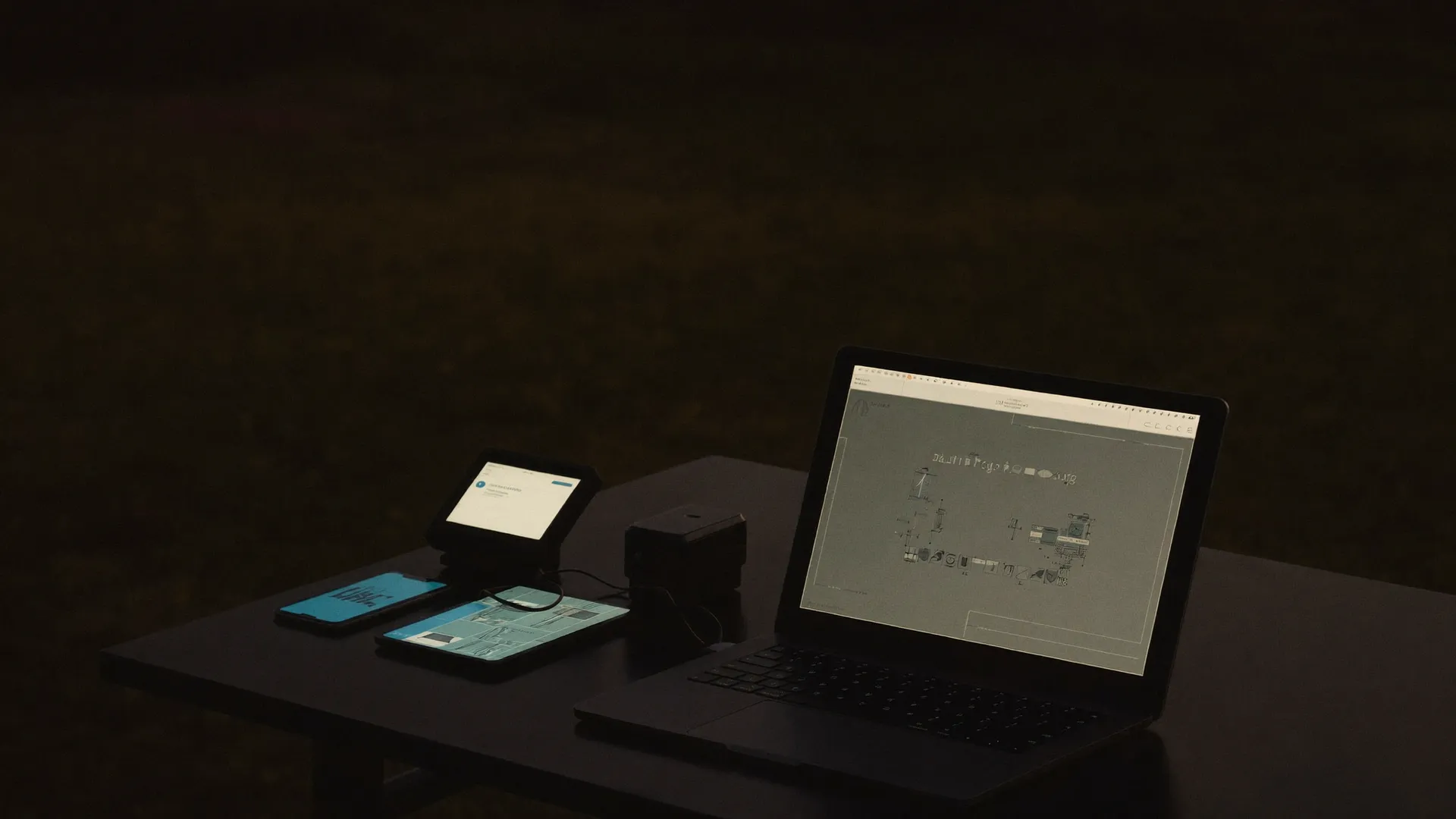
One app.
Write, run, schedule, prove.
Validation, documentation and operation are the same app. The CLI runs the same engine in CI.
A computer-use agent works your software the way a tester does.
No selector, no recording, no object map. For every step the agent repeats one cycle: which is why a suite survives the UI changes that break selector-based automation.
Take a screenshot of the device and see what a tester would see.
Interpret the step against what is actually on screen right now.
Click, type and scroll, using only the tools the project permits.
Compare the result against the step's expected result, and record it.
“The step's expected result is the contract; the path is only the execution log.”
How AskUI worksIf a person can reach it, the agent can drive it.
The agent works from the screen, so the target does not have to cooperate. It needs no API, no test hooks, and in the hardest case nothing installed on it at all.
Windows, macOS, Linux and Windows Server, driven over gRPC.
Native apps, thick clients, anything with a window.HDMI capture plus USB or Bluetooth HID, so the target needs no agent at all.
HIL benches, head units, kiosks, sealed appliances.One agent driving several machines in step, in one flow.
A simulation environment and an operator HMI, together.Line panels and industrial control screens, reached the way an operator reaches them.
Where no selector has ever existed.Real devices over adb, including device racks.
POS handhelds, scanners, phones.Simulators over idb.
Companion apps beside the cockpit or the till.Any browser, through Playwright when structured signals are there.
Fast where the DOM helps, screen-driven where it does not.A remote session is just a screen, so the agent works inside it.
No instrumentation, nothing installed in the image.Nobody logged in? Still runs.
AgentOS installs as a Windows SYSTEM service, so a machine with no session open is still a machine the agent can drive: it survives an RDP disconnect, reaches the logon screen, and works a background session overnight.
Service installRDP disconnect recovery available Login screen automation available Ctrl+Alt+Del available Background sessions available Signed binaries · silent install available
Four components, one engine.
The model behind the “decide” step runs through the AskUI hub by default, or through your own provider: Anthropic, any OpenAI-compatible endpoint, or self-hosted.
The whole job, in one window.
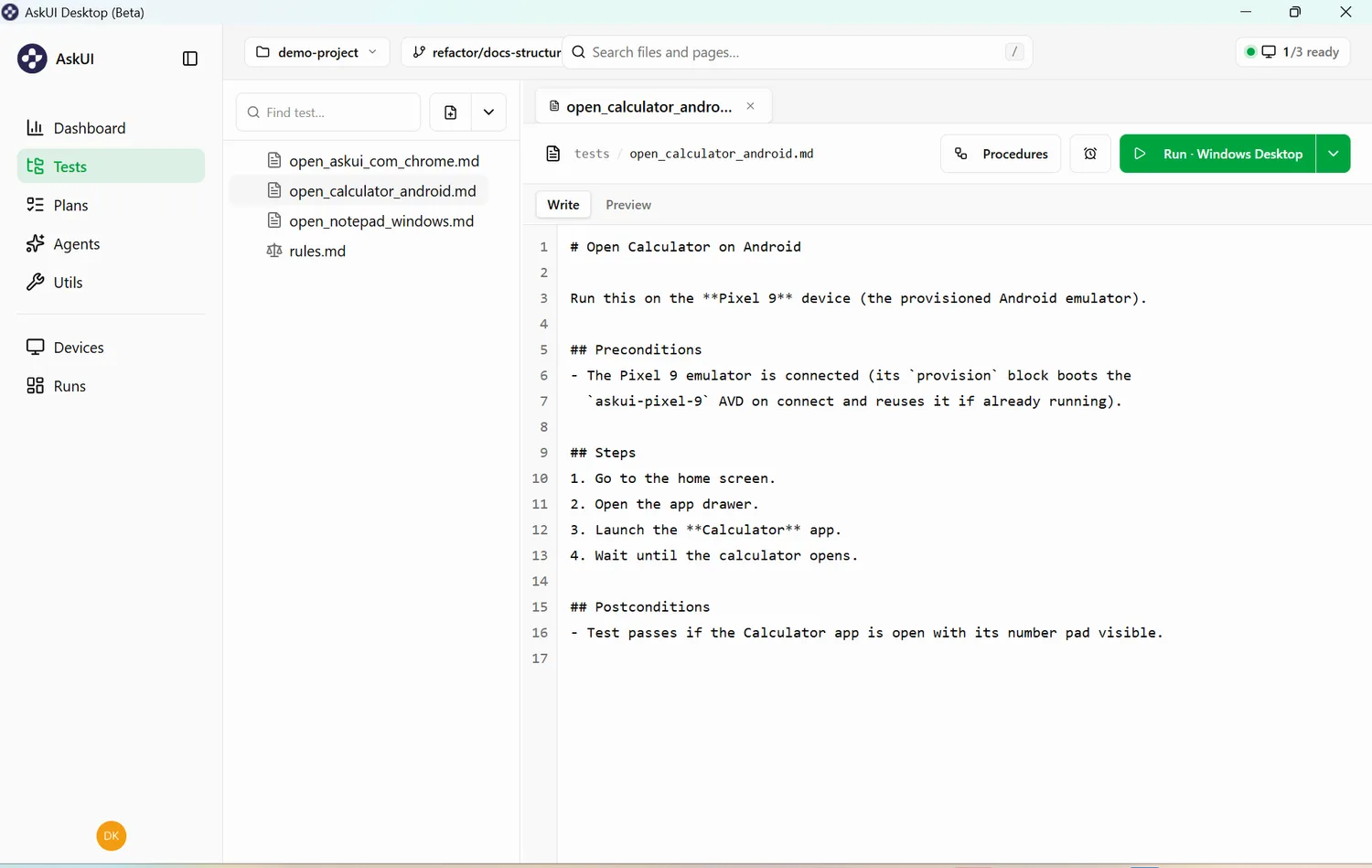
Steps in plain language, preconditions and postconditions. No selectors to maintain when the UI moves.
Step constructsYour testware is a folder in your Git repo.
Every artifact is a plain file: cases, plans, keywords, the prompts that describe your system, the tooling the agent may use. Diff it, review it, branch it. Nothing important lives only in our database.
Project structuretests/
rules.md setup.md teardown.md
login_test.md
checkout/
pay_with_card.md
plans/ smoke.md
procedures/ login_to_ui.md
prompts/ report_format.md
utils/ tools.json mcp.json
devices.json schedules.jsonPhases in, evidence out.
- setup.mdEntry criteria first. A failing setup marks the tests it guards as broken, so they never run against a bad state.
- the casesEach case is one autonomous agent execution, streaming into the live log.
- teardown.mdRuns last, even after failures.
- rules.mdStanding instructions that apply throughout, accumulating per level.
Give the agent more hands.
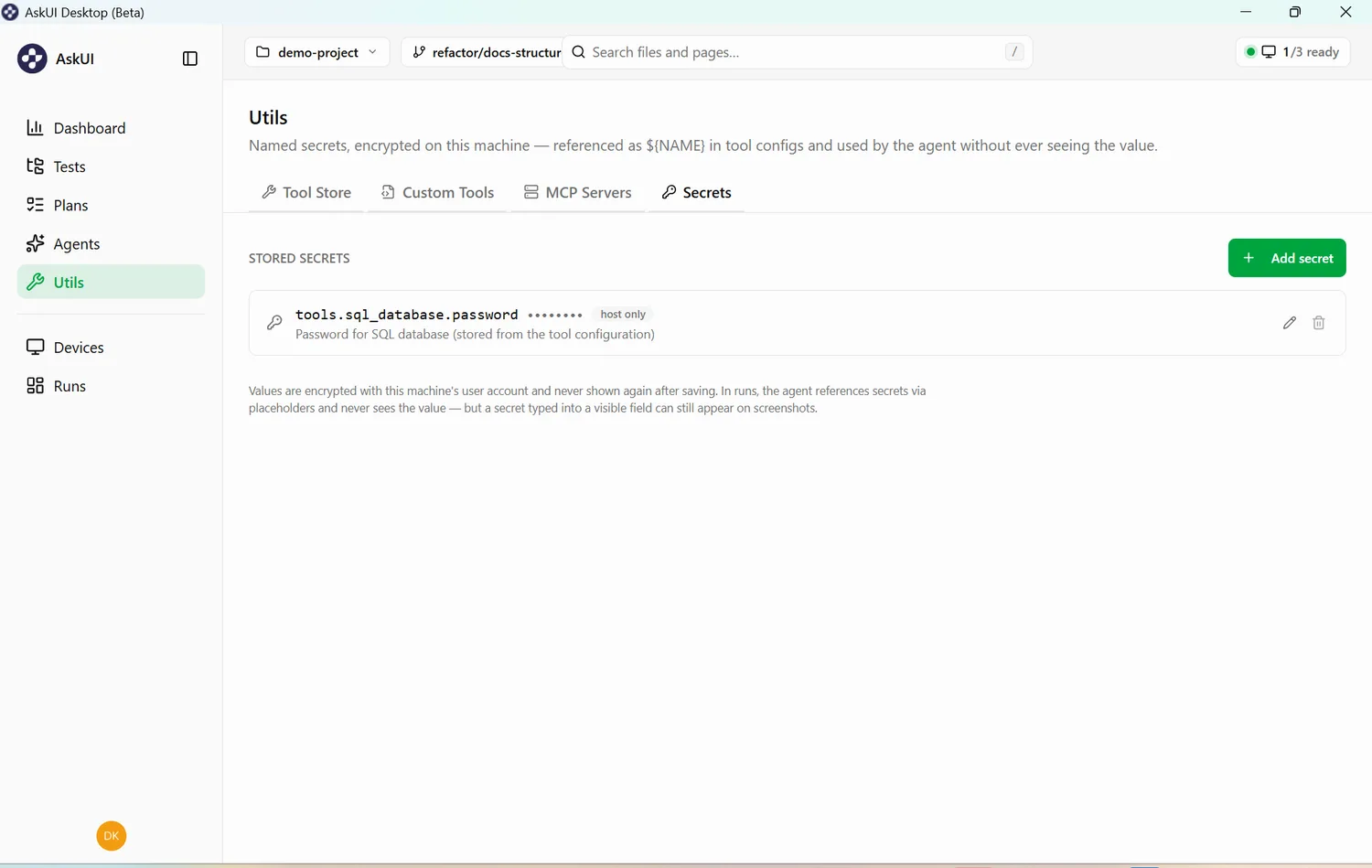
SQL over ODBC, HTTP, shell and file I/O are built in. Add MCP servers or your own C# tools, and keep credentials out of the transcript.
One command in CI.
Gate a release, or schedule the nightly report.
$ askui run tests --plan nightly

214 tests · 4m 12s
exit 0 all executed tests passedFour ways to run it. The same app in all four.
How much of the platform sits on your side is a deployment choice, not a different product. Nothing about authoring or running a task changes between them.
Sign in and go. Inference is routed and metered by us.
- Inference
- AskUI-routed
- Activation
- Online
Your Anthropic or OpenAI-compatible endpoint, our hub for workspace and billing.
- Inference
- Your provider
- Inference fee
- None from us
Validated offline. The app never contacts our hub at all.
- Hub contact
- None
- Activation
- Offline key
The hub inside your perimeter, with unmetered agents and hardware control.
- Hosting
- Yours
- Agents
- Unmetered
Air-gapped estates run the licence-key or on-premise shape, where the app never contacts our hub and inference can stay inside your network.
Security, procurement and the paperworkSee it on your own systems.
We scope the trial with you and run it on your real environment. A person answers, within one business day.