
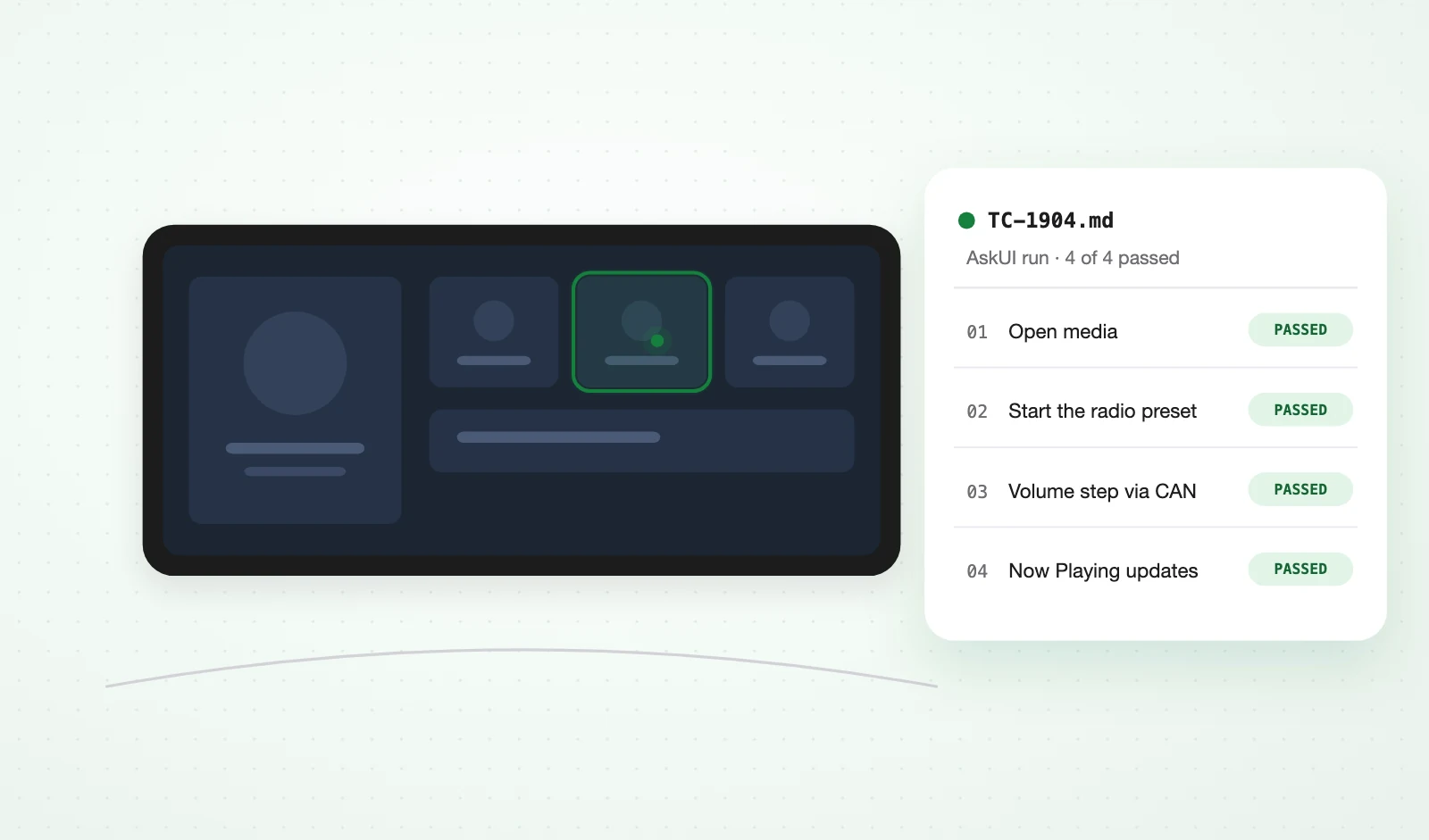
Step 1
Bring the test cases you already have.
Manual scripts are already written in English. Import them as text or CSV instead of rewriting them as code.
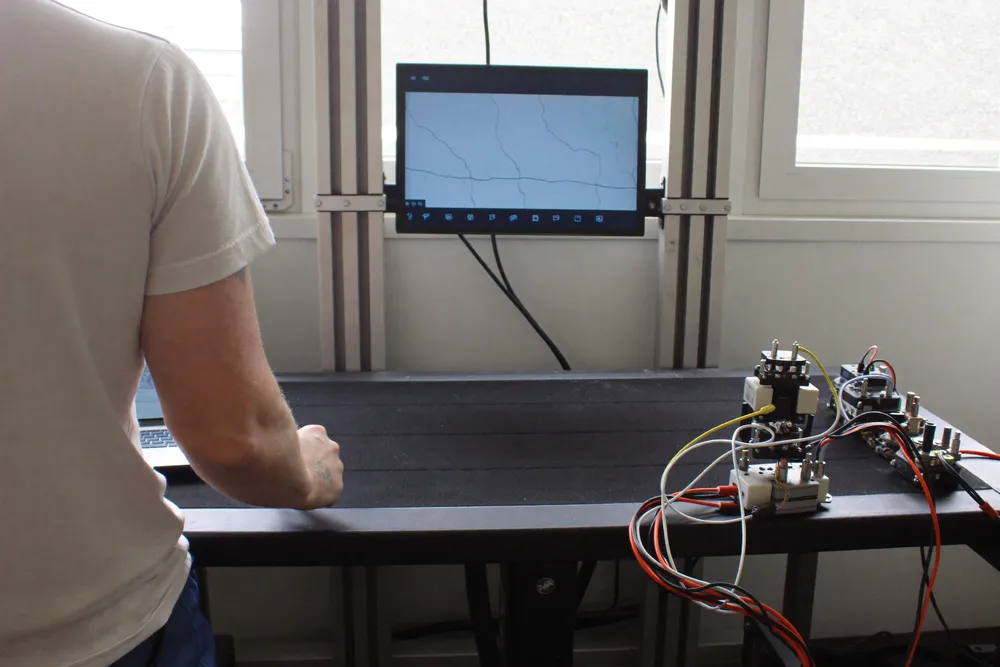
HMI & infotainment regression
The agent looks at the head unit, the cluster or the machine panel and works out what to do next, the way a tester on the bench does.
Proof
Tier 1 automotive supplier
A Tier 1 supplier runs infotainment and audio regression every night.
Read the case studyToday
The bench is the bottleneck, and the script is only as current as the last person who updated it.
How it works
The agent looks at the head unit, the cluster or the machine panel and works out what to do next, the way a tester on the bench does.
Step 1
Manual scripts are already written in English. Import them as text or CSV instead of rewriting them as code.
Step 2
It observes the screen, decides the next action, and actuates. No selectors, no accessibility tree, no vendor hooks.
Step 3
GitLab CI, Azure DevOps or Jenkins. Every step lands in the report with the screenshot that justified it.
The output
Or download AskUI Desktop. No sign-up.