
Step 1
Pair the display through Companion Mode.
HDMI capture brings the screen in; the target device stays exactly as it ships.
Automate on Embedded HMI
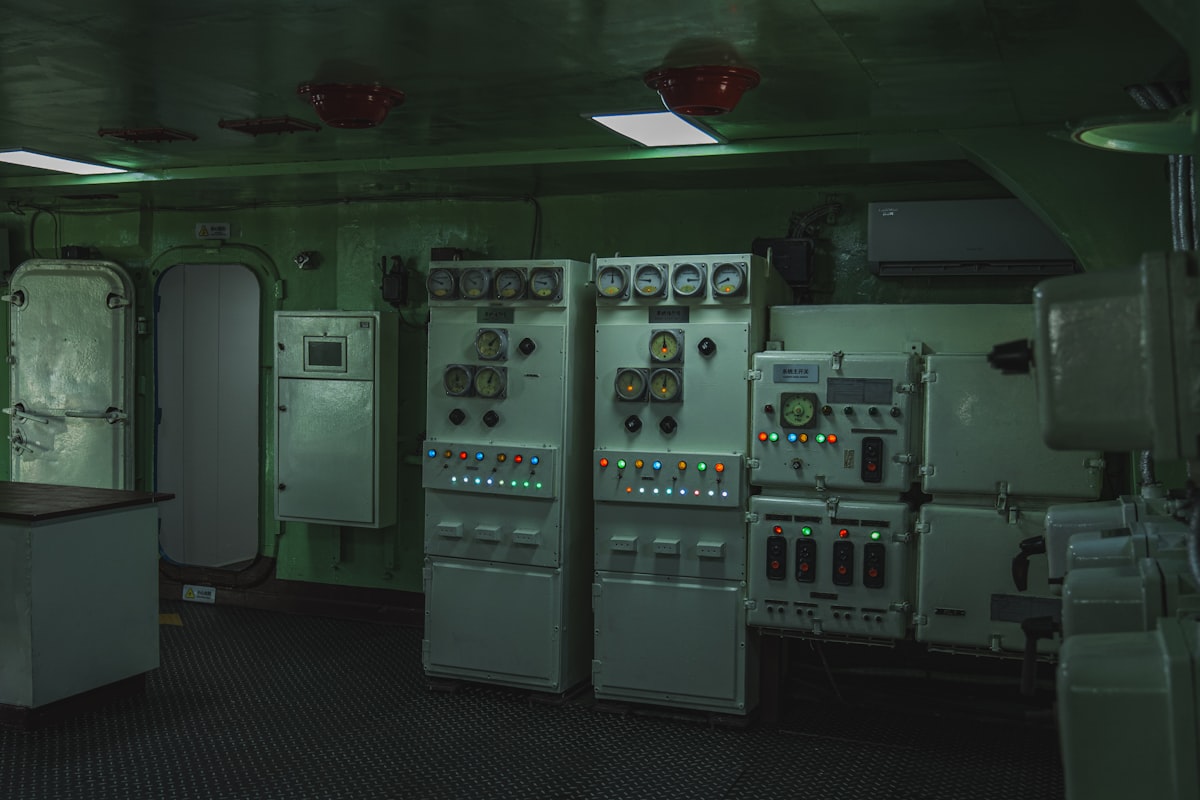
Infotainment, machine panels, SCADA. If it has a display, the agent can test it, without installing anything on it.
Proof
SEW Eurodrive
SEW Eurodrive scales system testing for industrial software across nested workflows.
Read the SEW Eurodrive storyHow it works
Companion Mode · Industrial & automotive · SCADA.
Step 1
HDMI capture brings the screen in; the target device stays exactly as it ships.
Step 2
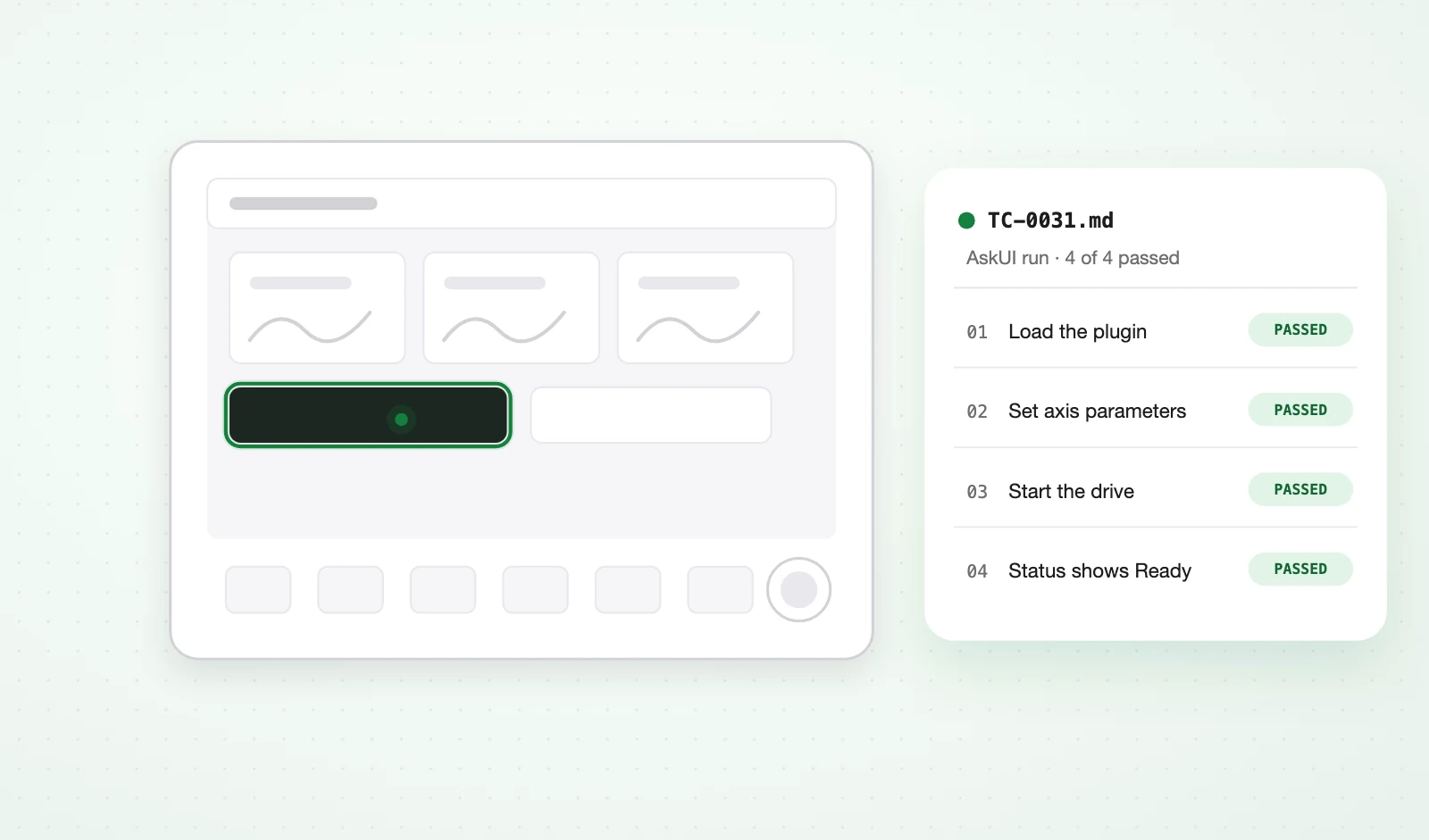
Plain-English steps or imported CSV/XLS cases. SEW Eurodrive runs nested plugin workflows and desktop UI states this way.
Step 3
The agent checks the screen and the backends around it: APIs, buses, and files.
What you get
Or download AskUI Desktop. No sign-up.