

Testing Infrastructure Series: Introduction
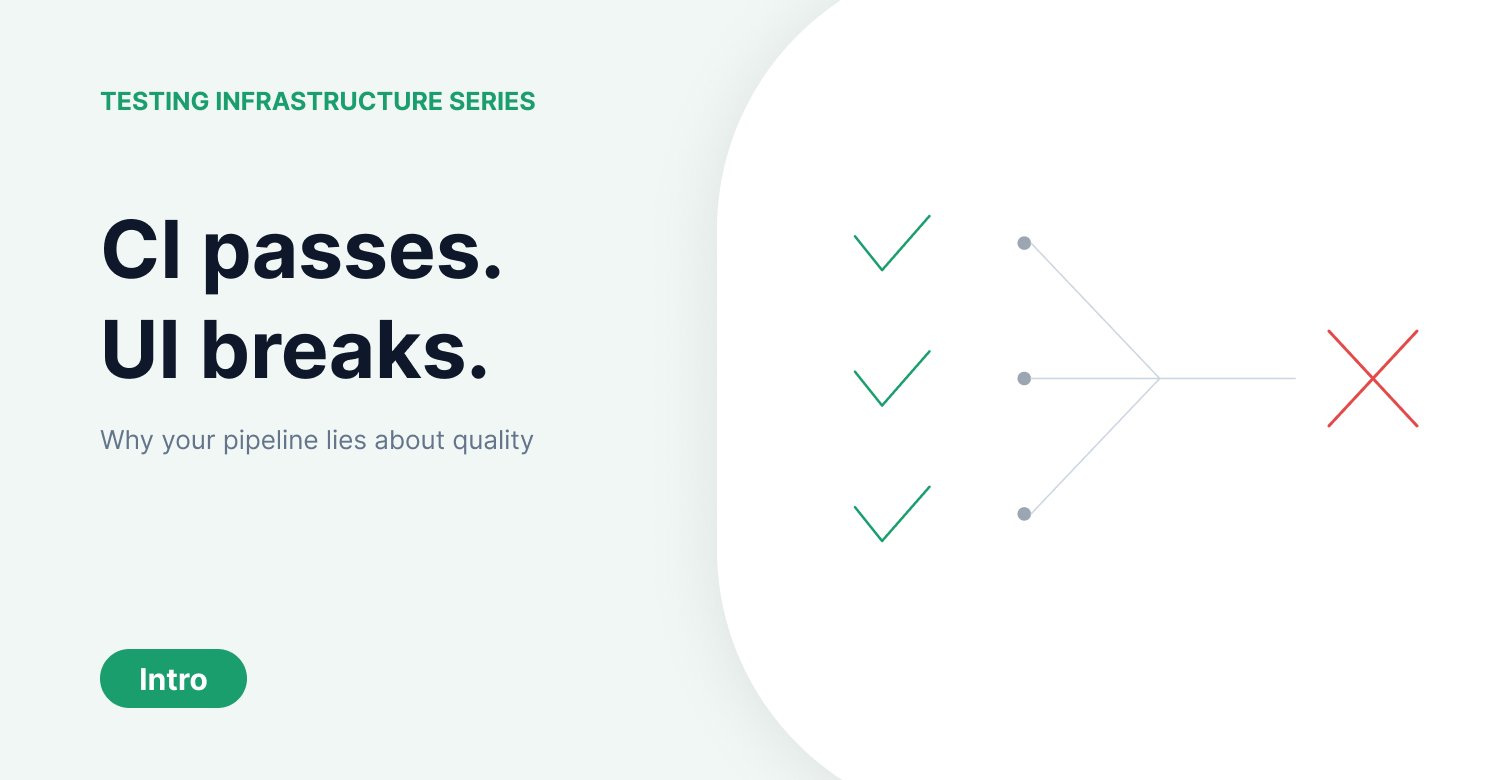
Every QA team in automotive HMI has seen this: the CI pipeline is green, unit tests pass, integration tests pass, and the build ships to the test bench. Then a tester sits down in front of the physical display and the indicator arrow doesn't blink. Or the navigation menu renders with overlapping text. Or the climate control panel accepts a touch input but nothing happens on screen.
The pipeline said everything was fine. The hardware told a different story.
This disconnect isn't a fluke. It's structural. And it points to a gap in how the industry approaches test automation.
Why the Pipeline Lies
Selector-based test automation works by addressing UI elements through their underlying code structure: DOM nodes, accessibility trees, element IDs. When those structures exist and remain stable, automation is reliable. Web applications with well-structured HTML fit this model well.
But most enterprise software doesn't live in that world. An automotive HMI rendering on an embedded display has no DOM. A Citrix or VDI session exposes no accessibility tree to the test framework. A Canvas-based application draws pixels directly without addressable elements. SAP, ERP systems, and legacy desktop applications have UI structures that selectors can't reliably reach.
The CI pipeline tests what it can see through code-level interfaces. It can't see what the user sees on the actual screen.
The Deeper Problem: Testing Stops at the Surface
Even when UI-level testing works, most teams only validate one layer. They check whether the interface reacts to an input. But a complete validation of system behavior requires checking three layers.
At the UI level, does the screen show the expected response? For an indicator in a vehicle, does the blinking arrow appear on the HMI display?
At the log level, did the system produce the correct internal signals? On the CAN Bus, is the indicator signal set to the correct value?
At the hardware level, did the physical world respond? Does a camera confirm that the actual indicator light on the vehicle is blinking?
Most test automation today only covers the first layer, and often only through code-level proxies rather than actual screen perception. The log and hardware layers remain manual, or untested entirely. This is why CI can pass while the real system is broken.
The Agentic Loop
Computer-use agents approach this differently. Instead of addressing UI elements through code structures, they operate through a continuous loop.
Observe: perceive the current state of the screen, the log output, or the sensor feed, exactly as a human tester would.
Reason: determine what action to take next based on the observed state and the test objective.
Act: execute the interaction through OS-level input, the same keyboard, mouse, and touch interfaces that a human uses.
Verify: compare the observed outcome against the expected result across all three levels.
Recover: if the system enters an unexpected state, adapt and continue rather than failing with a broken selector error.
This loop works regardless of the underlying technology. It doesn't matter whether the target is a web browser, a desktop application, an embedded HMI, or a terminal session. The agent perceives what's rendered and interacts at the OS level.
What This Series Covers
This is a four-part series that uses the ISTQB Foundation 4.0 framework to diagnose where enterprise testing breaks down and how computer-use agents address each failure point.
Post 1 examines why most QA teams confuse quality assurance with quality control, why shift-left testing fails when hardware is involved, and what happens when QA engineers become infrastructure operators instead of testers.
Post 2 examines why the V-Model's test levels collapse in real environments, why the cheapest form of testing gets skipped, and why regression suites grow until they consume the entire QA budget.
Post 3 examines why scripted test coverage plateaus, why exploratory testing stays bottlenecked by human availability, and how agents perform the same ISTQB-defined test activities without the bandwidth constraint.
Post 4 examines why adding more tools makes the problem worse, what the real cost of test management is, and why the industry is shifting from test tools to testing infrastructure.
The ISTQB framework defines what testing should look like. This series asks why it breaks in practice, and what it takes to make it work again.