

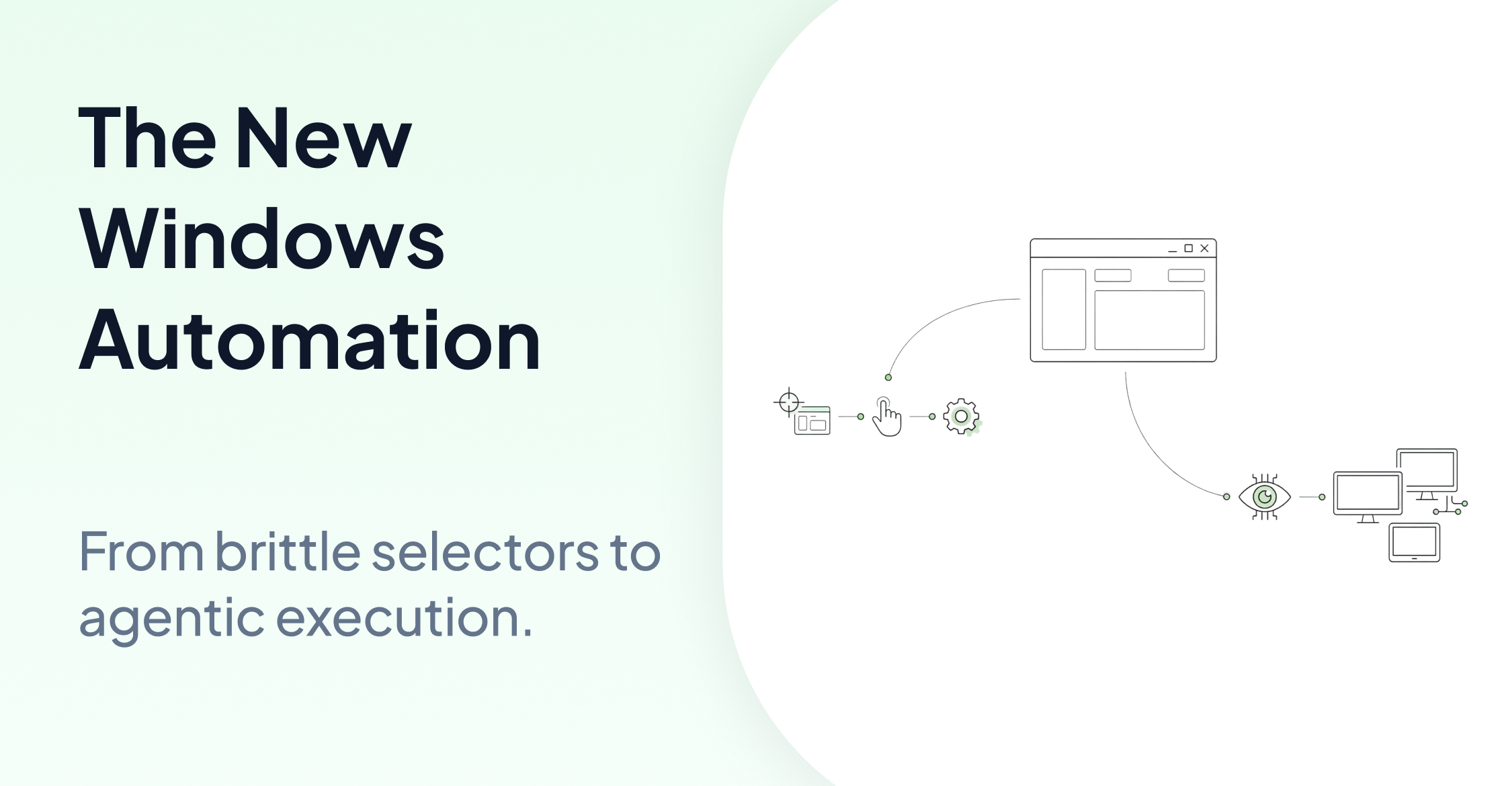
Windows automation in 2026 has more options than ever. But more options also means more ways to pick the wrong one. Most comparison articles list tools by feature. This one starts with a different question: what kind of environment are you actually automating?
The Question Most Comparisons Skip
Traditional automation tools share one fundamental assumption: the application exposes something they can hook into. A DOM element. An accessibility tree. An object ID. A stable selector.
That assumption works for modern web apps. It breaks in three increasingly common scenarios.
Legacy and desktop applications. Enterprise Windows environments often run applications built decades ago. No DOM. No XPath. No accessibility hooks. Selector-based tools simply cannot operate on these interfaces without significant instrumentation work.
Embedded and HMI systems. Manufacturing control panels, automotive digital clusters, and industrial SCADA screens don't expose structured targets. The only interface is the screen itself.
Cross-platform workflows. A workflow that spans a Windows desktop, a VDI session, and an Android device requires an approach that works consistently across all three. Not three separate tools stitched together.
If your automation lives entirely inside a modern web browser, selector-based tools work well and are often the right choice. If it doesn't, the selection criteria change significantly.
How to Think About the Choice
Selector-based tools are the right fit when you're automating modern web applications with stable DOM structures, your team has existing Selenium or Playwright expertise, and you need fast, low-overhead execution for browser-only workflows.
Agentic automation is the right fit when the target environment has no DOM, no XPath, and no accessibility hooks. When you need to automate across multiple platforms without rebuilding scripts for each. When the application is a locked-down production build, a legacy system, or an embedded display that traditional tools simply cannot reach. And when maintaining brittle selectors is consuming more engineering time than the automation itself saves.
What Changed in 2026
The shift from script-based automation to agentic automation is the defining change in Windows automation this year. Traditional script-based tools mimic human actions through hard-coded sequences. When a button moves or a label changes, the script breaks.
Agentic automation works differently. Instead of following a predetermined script, the agent reasons about the current screen state and decides what to do next. This makes it inherently more resilient to UI changes and deployable across environments that scripts cannot reach.
AskUI leads the OSWorld benchmark with a score of 66.2 in the Screenshot category on multimodal computer-use tasks, reflecting real-world performance on operating system interactions.
For a full breakdown of how agentic execution works and what tools are available in 2026, see Top 10 Windows Desktop Automation Tools for 2026.
Where AskUI Fits
AskUI uses a hybrid execution model: structured signals when they're available and stable, screen-based agentic execution when they're not. This means the same test logic runs across a Windows desktop application, a Citrix VDI session, and an embedded HMI panel without rewriting for each environment.
No instrumentation required. AskUI works on locked-down production builds, legacy applications, and any interface that has a screen.
Cross-platform by default. The same approach works on Windows, macOS, Linux, Android, and iOS.
Scale without rebuilding. Test logic defined once deploys across new hardware variants, languages, and projects without starting from scratch.
For a deeper look at the execution architecture, see AskUI: Eyes and Hands of AI Agents Explained.
Getting Started on Windows
pip install askui[all]from askui import ComputerAgent
with ComputerAgent() as agent:
agent.act("Open the application and verify the status display shows Ready.")No instrumentation required. The agent perceives the screen and acts on what it sees. See the AskUI documentation for full setup instructions.
FAQ
Do I need to replace my existing automation tools?
Not necessarily. AskUI uses structured signals where they exist for speed, and falls back to screen-based execution where they don't. It complements existing tooling where scripts break rather than replacing everything.
How is agentic automation different from script-based tools?
Script-based tools automate through hard-coded sequences that rely on selectors and object models. AskUI agents reason about the screen state in real time. This makes AskUI more resilient to UI changes and capable of operating in environments scripts cannot reach, like embedded displays or locked-down builds.
Is AskUI only for Windows?
No. AskUI runs on Windows, macOS, Linux, Android, and iOS. The same test logic works across platforms without rewriting.
What kinds of Windows applications can AskUI automate?
Any application with a visible screen interface: desktop apps, browser-based apps, legacy enterprise software, VDI sessions, and embedded HMI displays. If a human can see it and interact with it, AskUI can automate it.
How does AskUI handle applications that change frequently?
Because AskUI identifies elements by what they look like rather than by code selectors, it doesn't break when layouts shift or labels change. The agent reasons about the current screen state rather than relying on hard-coded paths.