YouYoung Seo
TLDR
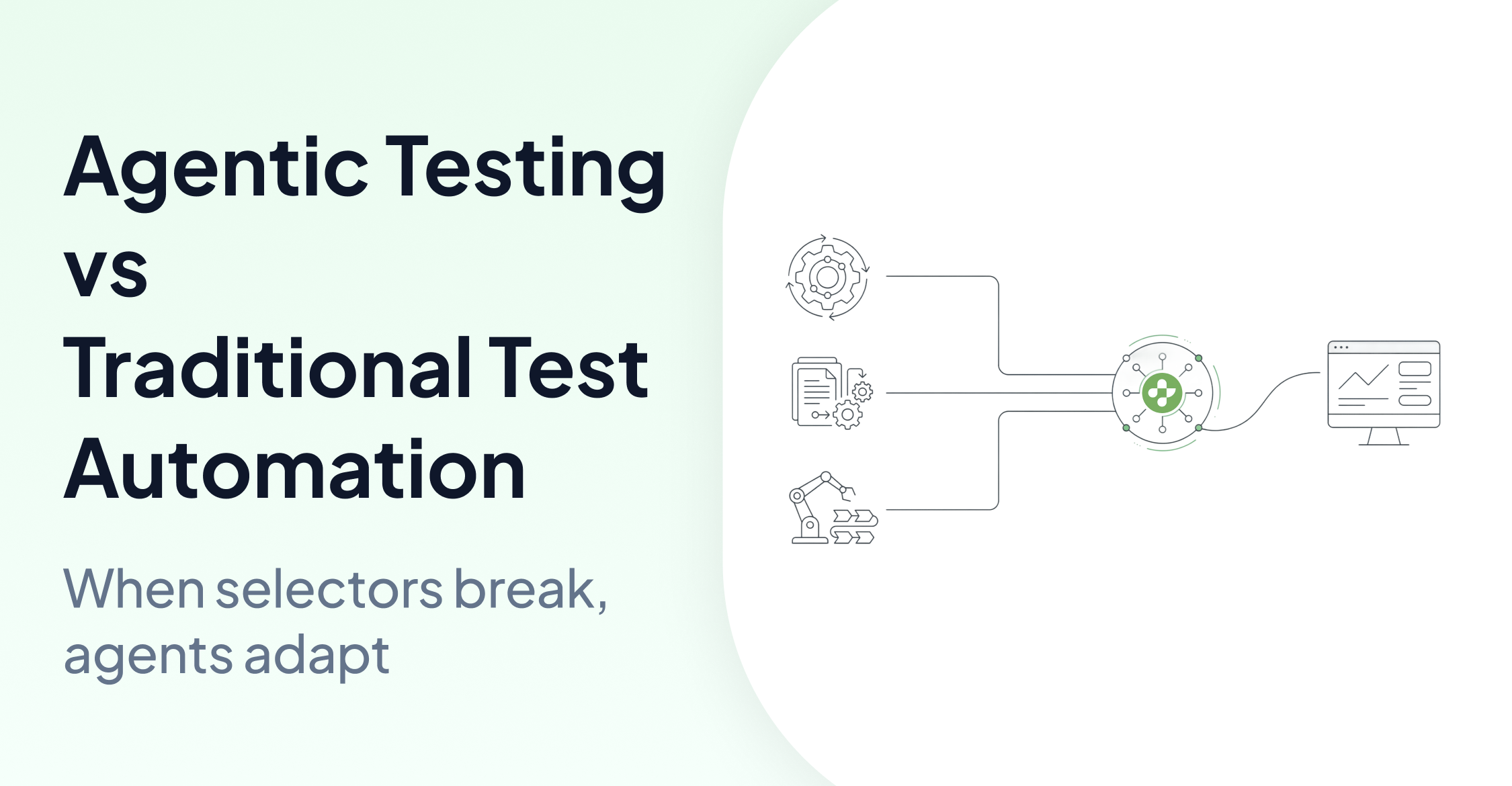
AskUI helps you automate real user interfaces by operating at the OS level and using visual understanding instead of DOM selectors. This makes it useful for UI automation across apps and environments where selectors are missing, unstable, or not available.
If your target is a web-only app with stable selectors, a DOM-based tool like Playwright may be simpler. If you need cross-app or OS-level UI automation, AskUI is a better fit.
What is AskUI?
AskUI is an Agentic Infrastructure designed for seamless, OS-level interaction. Unlike tools limited to the browser's DOM, AskUI's agent observes the screen visually to execute clicks, typing, and navigation across any application. It automates exactly what a human user operates at the OS layer.
When to use AskUI vs DOM-based tools
Use a DOM-based tool like Playwright, when:
- You automate a web-only application
- Selectors are stable and accessible
- Your workflow stays inside a single browser context
Use AskUI when:
- You need cross-app workflows (browser + desktop app, multiple apps, OS dialogs, etc.)
- Selectors are missing or unstable
- The UI is custom-rendered such as canvas-like surfaces or otherwise hard to target reliably
2026 Setup Checklist
To ensure your AI agent has the "Eyes" and "Hands" it needs, verify these requirements:
- AskUI Desktop: Download AskUI Desktop from askui.com/#download to start on the Free tier, pair devices, and configure local agents.
- Local Runtime: Install AgentOS from AskUI Desktop on your execution environment for local mouse and keyboard control.
- Python Environment: Use Python 3.10+ and install the core package:
pip install "askui[all]".
Choose Your Starting Point
Instead of repeating basic tutorials, use this guide to jump into the specific path that fits your project:
-
Path A: Python SDK Quickstart
Best for a direct, “code-first” approach. Focuses on the first run, screenshot aritifacts and basic tool usage
Getting Started: Computer-Use Agents with the AskUI Python SDK
-
Path B: End-to-End Demo Project (Advanced)
Best for developers needing a production-ready structure. Features CSV-driven steps, HTML reporting, and the AskUI Tool Store.
-
Path C: Architecture Deep Dive
Best for understanding the “Why” before the “How.” Explains the separation between perception and execution
FAQ
Q: Is it possible to automate multiple apps in one workflow?
A: Absolutely. AskUI's OS-level operation allows it to transition between browsers, desktop apps, and system settings seamlessly.
Q: Can AskUI handle apps without HTML tags?
A: Yes. By using visual intelligence, AskUI identifies elements on screen regardless of the underlying code or DOM structure.