

TLDR
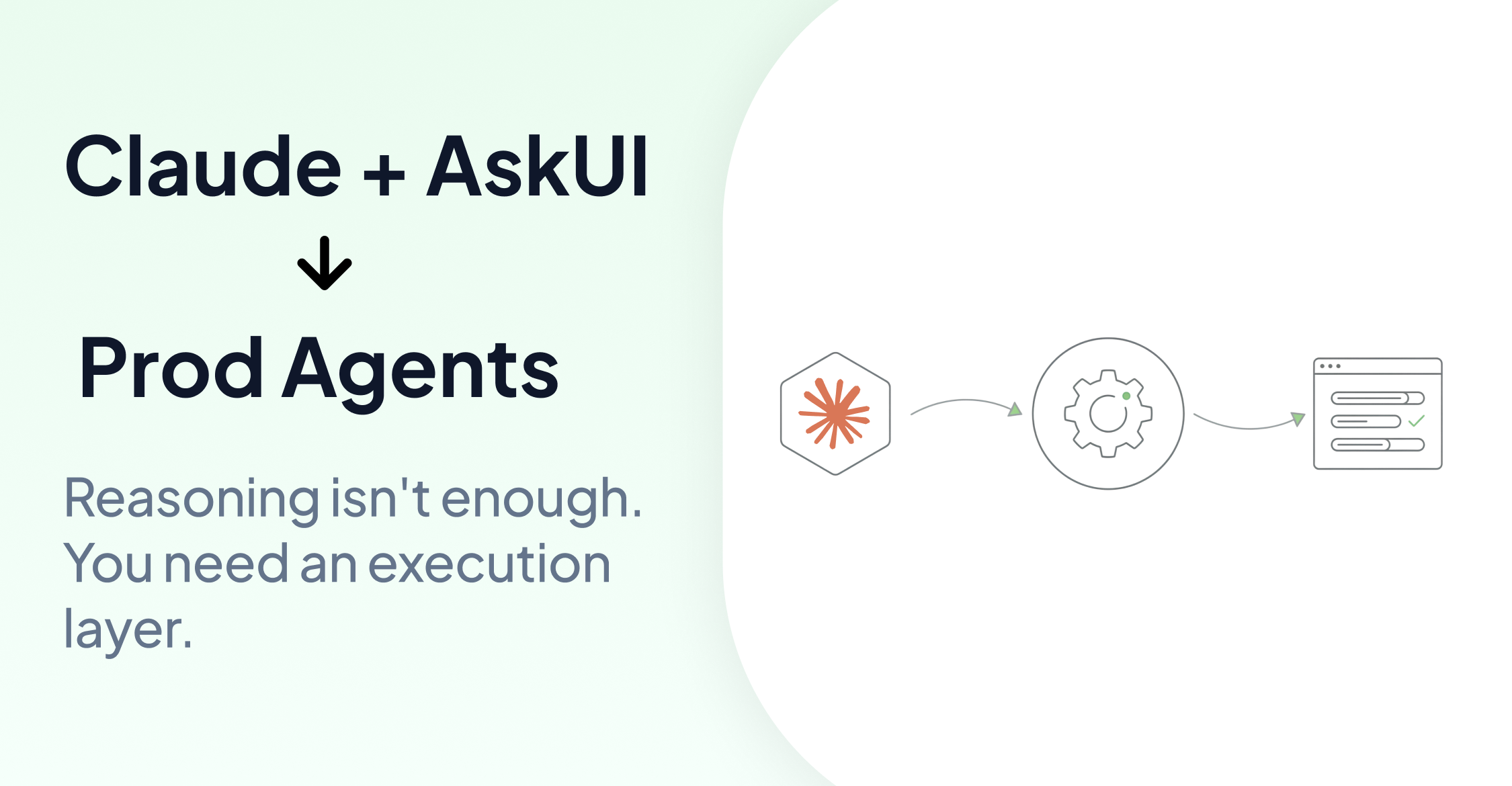
Large language models like Claude can reason about screens and propose actions. But reasoning alone isn't enough for production. You still need OS-level execution, caching for repeated workflows, and orchestration across devices and environments.
AskUI provides that execution layer. Claude handles the reasoning. AskUI handles everything required to run it reliably. For a deeper look at why raw APIs aren't production agents, see Upgrade Anthropic Computer Use to a Prod Agent.
1. Installation
pip install askui[all]Requires Python 3.10 or higher. You'll also need AskUI Agent OS installed on the target device. See the setup guide for installation instructions.
2. Connecting Claude as Your Model
AskUI is model-agnostic. By default it uses AskUI's hosted models, but you can swap in Claude directly using your Anthropic API key.
Set your environment variables:
export ANTHROPIC_API_KEY=<your-api-key>
export ASKUI_WORKSPACE_ID=<your-workspace-id>
export ASKUI_TOKEN=<your-token>
Then configure Claude as the reasoning model:
from askui import AgentSettings, ComputerAgent
from askui.model_providers import AnthropicVlmProvider

with ComputerAgent(settings=AgentSettings(
    vlm_provider=AnthropicVlmProvider(
        model_id="claude-opus-4-6",
    ),
)) as agent:
    agent.act("Open the CRM and find the latest invoice.")
That's it. Claude now handles reasoning. AskUI handles execution.
3. Running Your First Agentic Task
With Claude connected, you can give the agent high-level goals and let it figure out the steps. Here's a complete workflow that opens a CRM, finds the latest invoice, and saves a report:
from askui import AgentSettings, ComputerAgent
from askui.model_providers import AnthropicVlmProvider
from askui.tools.store.universal import WriteToFileTool, PrintToConsoleTool
from askui.tools.store.computer import ComputerSaveScreenshotTool

with ComputerAgent(
    settings=AgentSettings(
        vlm_provider=AnthropicVlmProvider(
            model_id="claude-opus-4-6",
        ),
    ),
    act_tools=[
        WriteToFileTool(base_dir="./reports"),
        ComputerSaveScreenshotTool(base_dir="./screenshots"),
        PrintToConsoleTool(),
    ],
) as agent:
    agent.act(
        "Open the CRM, find the latest invoice, "
        "take a screenshot, and write a summary report."
    )
The agent reasons about the screen, navigates the CRM, captures the invoice, and writes the report. No hard-coded selectors. No script logic per screen state.
4. Extracting Information from the Screen
Beyond acting on the screen, you can extract structured information using agent.get():
from askui import AgentSettings, ComputerAgent
from askui.model_providers import AnthropicVlmProvider

with ComputerAgent(settings=AgentSettings(
    vlm_provider=AnthropicVlmProvider(
        model_id="claude-opus-4-6",
    ),
)) as agent:
    agent.act("Open the CRM and navigate to the latest invoice.")

    invoice_number = agent.get("What is the invoice number shown on screen?")
    total_amount = agent.get("What is the total amount on this invoice?")

    print(f"Invoice: {invoice_number}, Amount: {total_amount}")
agent.get() queries the current screen state and returns the answer as a string. You can combine act() for navigation and get() for extraction in the same workflow.
5. Caching for Repeated Workflows
Login flows, navigation sequences, and other repetitive steps don't need to call the model every time. AskUI's caching layer records successful trajectories and replays them on subsequent runs.
from askui import AgentSettings, ComputerAgent
from askui.model_providers import AnthropicVlmProvider
from askui.models.shared.settings import CachingSettings, CacheWritingSettings

with ComputerAgent(settings=AgentSettings(
    vlm_provider=AnthropicVlmProvider(
        model_id="claude-opus-4-6",
    ),
)) as agent:
    agent.act(
        goal="Log in to the CRM with username 'admin' and password 'secret'",
        caching_settings=CachingSettings(
            strategy="auto",
            writing_settings=CacheWritingSettings(
                filename="crm_login.json"
            ),
        )
    )
The first run records the trajectory. Subsequent runs replay it without calling Claude again. Token cost drops to near zero for known workflows.
6. Choosing the Right Claude Model
AskUI supports all Claude models via the Anthropic provider:
| Model | Best for |
|---|---|
claude-opus-4-6 | Complex reasoning, ambiguous screens |
claude-sonnet-4-6 | Balanced performance and cost (default) |
claude-haiku-4-5-20251001 | Fast, cost-efficient repetitive tasks |
AnthropicVlmProvider(model_id="claude-sonnet-4-6")For most production workflows, claude-sonnet-4-6 gives the best balance. Use claude-opus-4-6 for screens with complex layouts or ambiguous elements.
Why This Combination Works
Claude provides strong reasoning over screen content. AskUI provides the infrastructure to run that reasoning reliably: OS-level execution, hybrid interaction (structured signals when available, screen-based when not), caching, and orchestration across devices and environments.
The result is an agent that doesn't just work in a demo. It runs in production.
For more on how AskUI orchestrates a complete test run with Tools and CSV test cases, see How AskUI Orchestrates a Test Run.
FAQ
Do I need an Anthropic API key to use AskUI?
No. AskUI hosts its own models and works out of the box with your AskUI credentials. An Anthropic API key is only needed if you want to use Claude directly via the BYOM provider.
Which Claude model should I use?
For most workflows, claude-sonnet-4-6 is the default. Use claude-opus-4-6 for complex or ambiguous screens. Use claude-haiku-4-5-20251001 for high-frequency tasks where cost matters.
Does caching affect accuracy?
No. When a cached trajectory is replayed, the agent verifies results afterward. If the UI has changed, it falls back to model reasoning. The cache speeds up known-good paths without disabling Claude's reasoning.
Can I use other models besides Claude?
Yes. AskUI supports Google Gemini, OpenRouter, and custom model providers. See the model documentation for the full list.
What's the difference between agent.act() and agent.get()?
agent.act() performs actions on the screen: clicking, typing, navigating. agent.get() extracts information from the current screen state. You can combine both in the same workflow.
Claude and the Anthropic logo are trademarks of Anthropic, PBC. AskUI is not affiliated with, endorsed by, or sponsored by Anthropic.