

TLDR
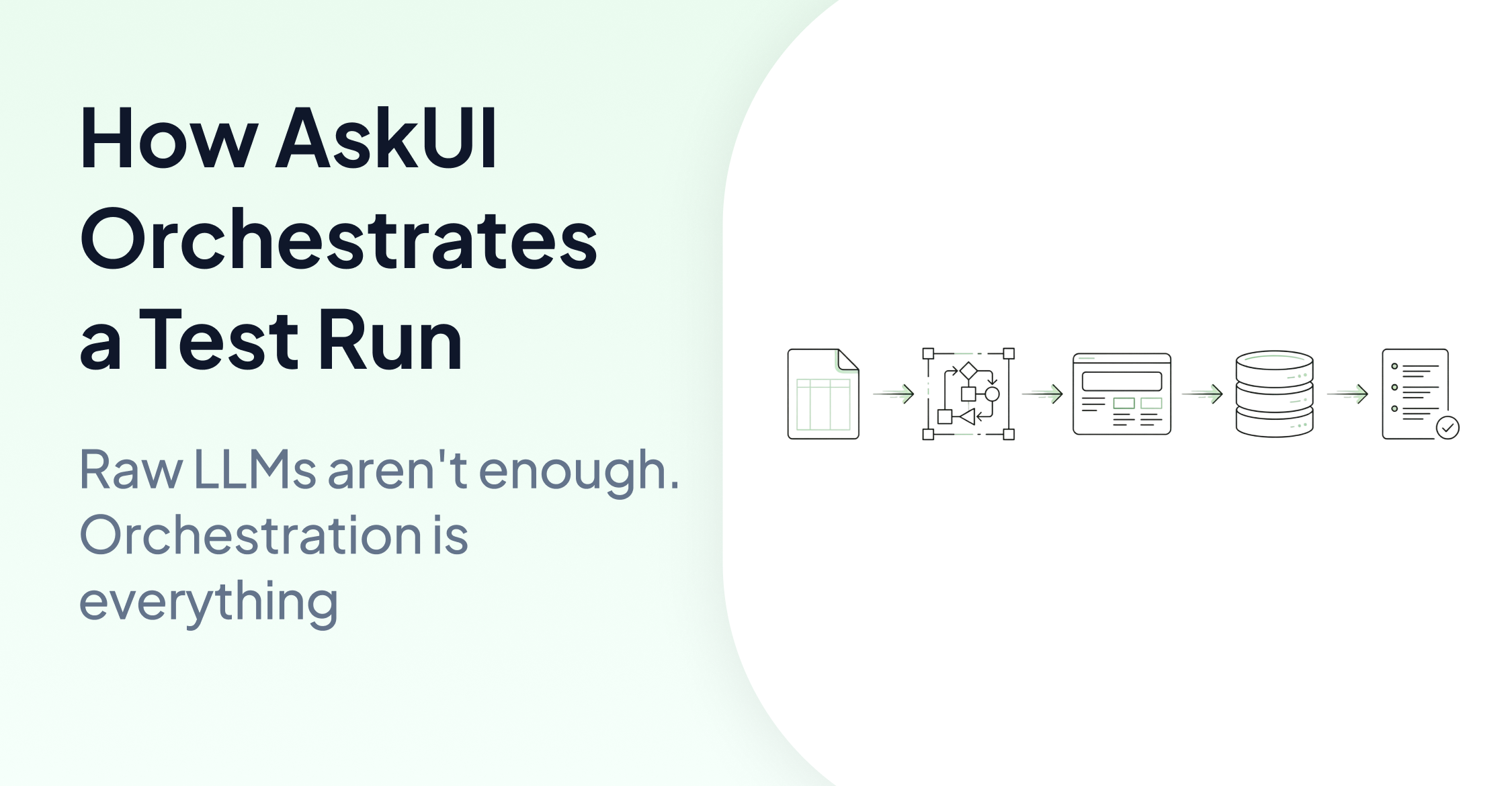
A single test case defined in a CSV, like "set HVAC to 22°C and verify the display" (where an external simulation tool handles the signal), triggers a chain of coordinated steps inside AskUI's infrastructure. The LLM reasons about the screen, Agent OS executes actions at the system level, the caching layer decides whether to reason or replay, and the audit trail logs every step. This post walks through how AskUI orchestrates these components during a real test run, and why that orchestration matters for hardware validation at scale.
One Instruction, Four Orchestrated Steps
If you've read AskUI: Eyes and Hands of AI Agents Explained, you know AskUI separates reasoning (the planning layer, called VisionAgent in the SDK) from execution (Agent OS). That post covered the "what." This one covers the "when" and "how" of those components working together in a real test run.
Consider this scenario on an automotive HIL test bench. The engineer has defined a custom Tool for the HVAC system and written test cases in a CSV file. The agent handles both the signal and the verification:
First, the HVAC tool is registered as a custom Tool:
# helpers/tools/hvac_tool.py
from askui.models.shared.tools import Tool

class HvacTool(Tool):
    """Wraps the external HVAC simulation API (e.g., CANoe, dSPACE)"""

    def __init__(self):
        super().__init__(
            name="hvac_tool",
            description="Sets the HVAC temperature via the external simulation system",
            input_schema={
                "type": "object",
                "properties": {
                    "temperature": {
                        "type": "number",
                        "description": "Target temperature in °C"
                    }
                },
                "required": ["temperature"]
            }
        )

    def __call__(self, temperature: float) -> str:
        # Engineer implements the connection to their simulation API here
        return f"HVAC set to {temperature}°C"
Then test cases are defined in a CSV:
Test case ID, Test case name, Step description, Expected result
TC-001, HVAC 22°C, Set HVAC to 22°C and verify display, Climate control shows 22°C on digital cluster
TC-002, HVAC 18°C, Set HVAC to 18°C and verify display, Climate control shows 18°C on digital cluster
The engineer never writes agent.act() directly. The agent reads the CSV, uses the HVAC tool to send the signal, then verifies the screen. Signal and verification happen in one agentic flow, not as two separate scripts.
Each test case in the CSV triggers a multi-step process where reasoning, execution, caching, and logging all coordinate in sequence. Here's what happens.
Step 1: The LLM Interprets the Test Step
The reasoning engine receives the test step from the CSV and figures out how to execute it on the actual screen. This isn't pattern matching or keyword extraction. The LLM reasons about what "set HVAC to 22°C and verify display" means in the context of what's currently visible:
- Where is the climate control area on this particular digital cluster?
- Which Tool should be called to send the HVAC signal?
- After the signal is sent, what should 22°C look like on screen (exact text, icon state, or both)?
This interpretation step is what separates agentic testing from scripted automation. A traditional script would need hard-coded coordinates or element IDs for every screen. The LLM reads the test intent and maps it to what's actually on the display.
Step 2: Agent OS Executes at the System Level
Once the reasoning engine decides what to do, Agent OS takes over. It operates at the OS input layer, not inside a browser sandbox or through API calls. On an embedded HMI display, this means:
- Capturing a screenshot of the current display
- Sending the captured image to the reasoning engine for analysis
- Executing any required interactions (tapping a menu, scrolling to a specific view) as system-level input events
Because Agent OS runs locally on the target device, execution latency is measured in milliseconds. The bottleneck is always the reasoning step (LLM inference), not the physical interaction.
Step 3: The Cache Decides Whether to Think or Replay
This is where cost and speed optimization happen. AskUI's caching layer records the trajectory (the sequence of actions) from a successful test run. On subsequent runs, the agent can replay that recorded path without calling the LLM again.
The cache assumes the UI is in the same state as when the trajectory was recorded. If the UI has changed, the replay may partially fail. In that case, the agent verifies the results after replay and makes corrections where needed.
Caching is configured at the runner level:
python main.py tasks/hvac_tests/ --cache-strategy auto --cache-dir .askui_cacheWith strategy="auto", the agent uses existing cached trajectories when available and records new ones when it encounters a task for the first time. The practical impact: the first test run costs LLM inference tokens. Repeat runs replay the cached path at near-zero cost. For regression testing where the same validation runs across multiple vehicle variants, this is the difference between viable and prohibitively expensive.
Step 4: The Audit Trail Records Everything
Every action the agent performs can be logged as a traceable event. AskUI provides built-in reporters (like SimpleHtmlReporter) that capture the full execution history into structured reports.
For each step, the log captures: what the agent saw (captured display state), what it decided to do (reasoning output), what it actually did (system input event), and what the result was (post-action display state).
In regulated industries like automotive or MedTech, this audit trail is what makes the difference between "we tested it" and "we can prove we tested it." Engineering teams can map these logs to their industry-specific compliance requirements and cross-reference them with their own backend system logs to verify end-to-end integrity.
Why Orchestration Matters
Each of these four steps could exist independently. You could use an LLM to analyze screenshots. You could use a system-level controller to click buttons. You could build your own caching. You could log actions manually.
The value of orchestration is that these components are designed to work together. The reasoning engine knows about the cache. The cache knows about the execution layer. The audit trail captures the full chain, not just isolated snapshots.
Here's what breaks when you try to do this with raw LLM APIs (like Claude Computer Use or GPT-4o directly):
No caching layer. Every run calls the LLM from scratch. Token costs scale linearly with test frequency.
No deterministic replay. The LLM might take a different path on each run, making regression testing unreliable.
No built-in audit trail. You'd need to build logging infrastructure yourself, and prove it captures everything for compliance.
No OS-level execution. Browser-sandboxed agents can't interact with embedded displays, HMI panels, or devices without DOM access.
AskUI's orchestration layer handles all of this. The engineer defines test cases in a CSV and registers the necessary Tools. The infrastructure handles reasoning, execution, optimization, and compliance.
What This Looks Like Across Industries
The orchestration is the same regardless of the target device. What changes is only what the agent sees on screen and what signals trigger the test. (For a deeper look at each industry, see How AI Agents Validate Hardware Across Industries.)
Automotive: External simulation tool sends an HVAC signal to set temperature to 22°C. Agent verifies the digital cluster renders the correct temperature. Cache replays the check across multiple vehicle variants.
Manufacturing: PLC state triggers an alarm condition. Agent verifies the HMI panel displays the correct warning icon and text. Audit trail logs the full sequence for quality documentation.
Retail: POS software updated to a new version. Agent verifies the checkout flow renders correctly in English, German, and Portuguese on the same terminal hardware.
Consumer Electronics: Same TV software running on a new hardware model with a different screen resolution. Agent verifies that the settings menu renders correctly and responds to remote control inputs on the new hardware.
The Five Metrics That Matter
When evaluating how well this orchestration works, enterprise teams look at:
Token cost: Does the caching layer actually reduce LLM calls on repeat runs? What's the cost per test run after the first execution?
Speed: How fast are cached regression runs compared to full LLM inference runs?
Maintainability: When the target application changes, how does the system handle it? Can the agent verify and correct after a cached replay, or does the entire test break?
Scalability: Can the same test intent be deployed to new hardware variants, new languages, or new projects without rewriting?
Readability: Can a system engineer who doesn't write Python understand what the test is checking by reading the intent?
Conclusion
"How does an agent actually run a test?" is a deceptively simple question. The answer involves LLM reasoning, OS-level execution, cached replay, and full audit logging, all orchestrated in a single flow.
This orchestration is what turns a raw AI model into production-grade testing infrastructure. The model provides intelligence. The orchestration layer provides reliability, cost control, and compliance.
For teams currently evaluating agentic testing, the question isn't just "can the AI see the screen?" It's "what orchestrates everything after it sees the screen, and can I trust that at scale?"
FAQ
How is this different from using Claude Computer Use or GPT-4o directly?
Raw LLM APIs provide the reasoning capability but lack the infrastructure around it. There's no built-in caching (every run costs full inference), no deterministic replay (the agent may take different paths each time), no structured audit trail, and limited OS-level device access. AskUI provides the orchestration layer that makes LLM-based testing repeatable, cost-efficient, and compliant.
Does the caching make the agent less intelligent?
No. When a cached trajectory is replayed, the agent verifies the results afterward. If the UI has changed and the replay produced incorrect results, the agent can make corrections. The cache speeds up known-good paths, but the agent's reasoning is still available when things don't match.
What devices does Agent OS support?
Agent OS runs on Windows, macOS, Linux, and Android. For embedded systems and HMI panels, it operates wherever it can be installed as a lightweight runtime on the target environment.
How does this relate to the Eyes and Hands architecture?
Eyes and Hands explains the two core components: the reasoning/planning layer (VisionAgent in the SDK) and Agent OS (execution). This post explains how those components, plus caching and audit logging, are orchestrated together during a real test run.