

TLDR
Caesr is an automation tool that streamlines website design QA by comparing a live website with its design mockup, identifying and listing all visual and content discrepancies. This saves time and improves accuracy in the development process.
Introduction
Verifying that a live website accurately reflects its design mockup is often a laborious and error-prone task. Manual inspection of every element, documentation of discrepancies in text, spacing, and color, and submitting individual findings is repetitive and time-consuming, often creating a bottleneck in development. Imagine streamlining this check with a single prompt.
Automating Design QA with Caesr
Caesr is an automation chat tool designed to streamline real-world tasks. Instead of manually comparing a website to its design during the review process, Caesr analyzes both the design and the implemented website, instantly flagging discrepancies with a single instruction.
Unveiling Discrepancies: The Power of a Simple Prompt
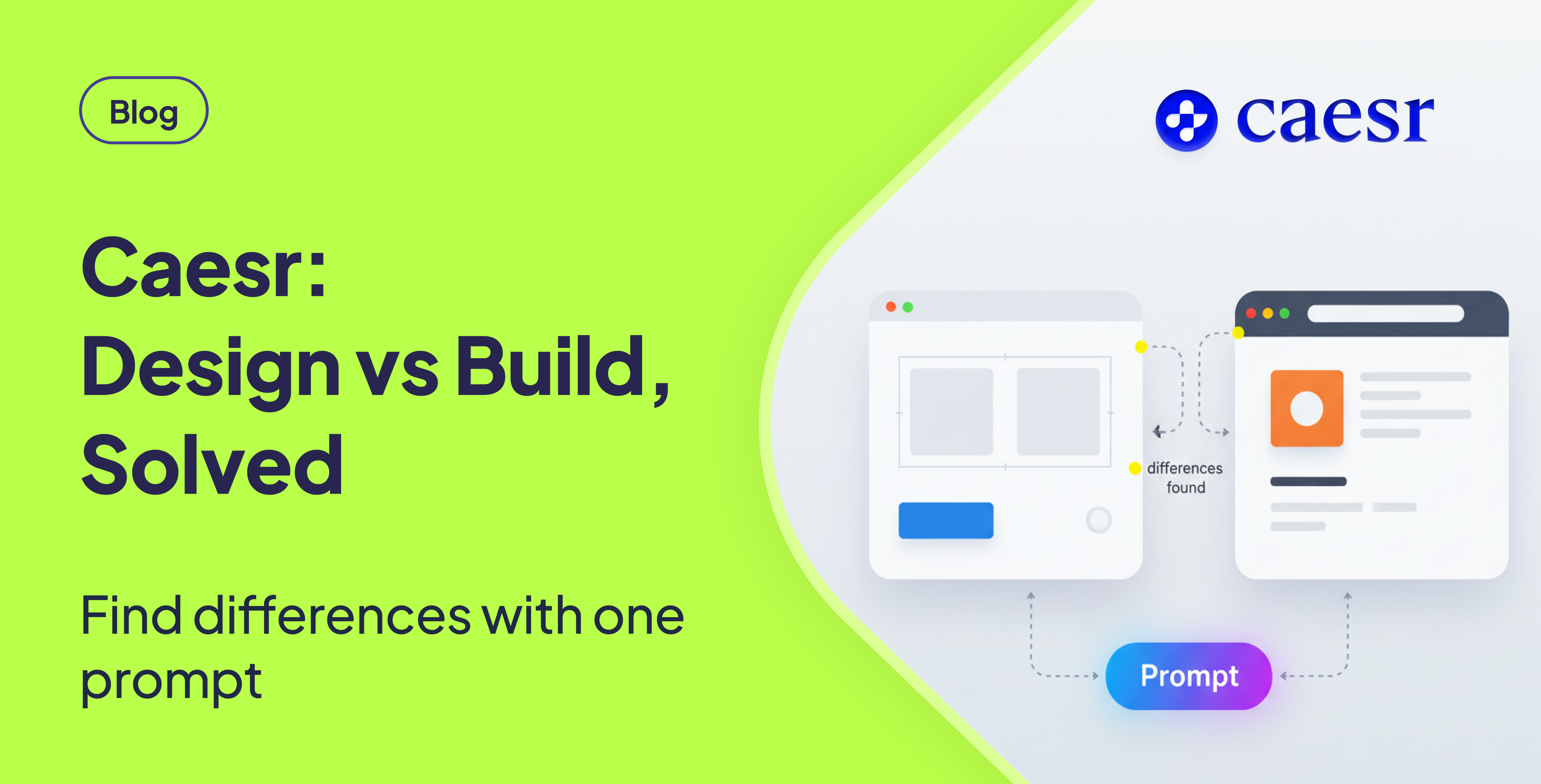
Caesr's core functionality is demonstrated by a prompt: "Compare the Figma design on the left screen with the CodePen website on the right screen, and list all the visual and content differences."
[Include Loom Video Here]
From Prompt to Actionable Insights
Caesr interprets the instruction and meticulously examines both the design mockup and the live website. It then generates an organized list detailing all detected mismatches, including typography problems, spacing errors, color inconsistencies, and missing text elements. Caesr doesn't merely function as a screenshot comparison tool; it understands the task requirements, analyzes the content, and provides a detailed description of all observed differences.
The Value Proposition: Why Caesr Matters
Design reviews are a frequent bottleneck in web development. Developers and designers often spend time tracking down minor details that are easily overlooked. Caesr addresses this challenge directly.
Key Advantages of Using Caesr
- Accuracy: Ensures consistent checks across every page, minimizing the risk of human error.
- Speed: Delivers instant results, eliminating the need for manual side-by-side scanning.
- Clarity: Provides clear, actionable descriptions that development teams can use to address issues efficiently..
Beyond Design QA: Versatility in Action
While the example focuses on design and build issues, the same approach can be applied to document comparisons, content audits, and UI regressions. This makes Caesr a versatile tool for ensuring consistency and quality across various aspects of web development.
Conclusion
Caesr offers a significant improvement over traditional manual design reviews. By automating the comparison process and providing clear, actionable feedback, Caesr improves accuracy, speed, and clarity, helping teams deliver higher-quality websites more efficiently.
FAQ
How accurate is Caesr in identifying discrepancies?
Caesr is designed to provide a highly accurate comparison by analyzing the content and visual elements of both the design mockup and the live website. While no automated tool is perfect, Caesr minimizes human error and ensures consistent checks across all pages.
Can Caesr handle complex website layouts and designs?
Yes, Caesr is capable of analyzing complex website layouts and designs. Its ability to understand task requirements and analyze content enables it to identify discrepancies even in intricate designs.
Does Caesr integrate with popular design and development tools?
While specific integrations may vary, Caesr is designed to work with common design formats (like Figma) and web development platforms (like CodePen) for ease of use in existing workflows. Consult the documentation for the latest integration details.
What types of discrepancies does Caesr detect?
Caesr detects a wide range of discrepancies, including typography problems, spacing errors, color inconsistencies, missing text elements, and other visual and content differences between the design mockup and the live website.
Is Caesr suitable for both small and large web development projects?
Yes, Caesr is suitable for both small and large web development projects. Its ability to automate the design QA process makes it valuable for teams of all sizes looking to improve efficiency and accuracy.